If your monitoring workflow spans both desk and field, you’ve likely run into this: you spot something in imagery, but once you’re on-site, it’s harder to orient yourself and connect what you’re seeing on the ground with what you observed remotely in Lens.
We wrote in Badgers, Barns, and Boats: How Lens Supports Field Monitoring about how teams can use Lens to understand what’s happening across a site before heading out. Our brand new Georeferenced PDFs are a simple extension of that workflow so you can take your site visits to the next level.
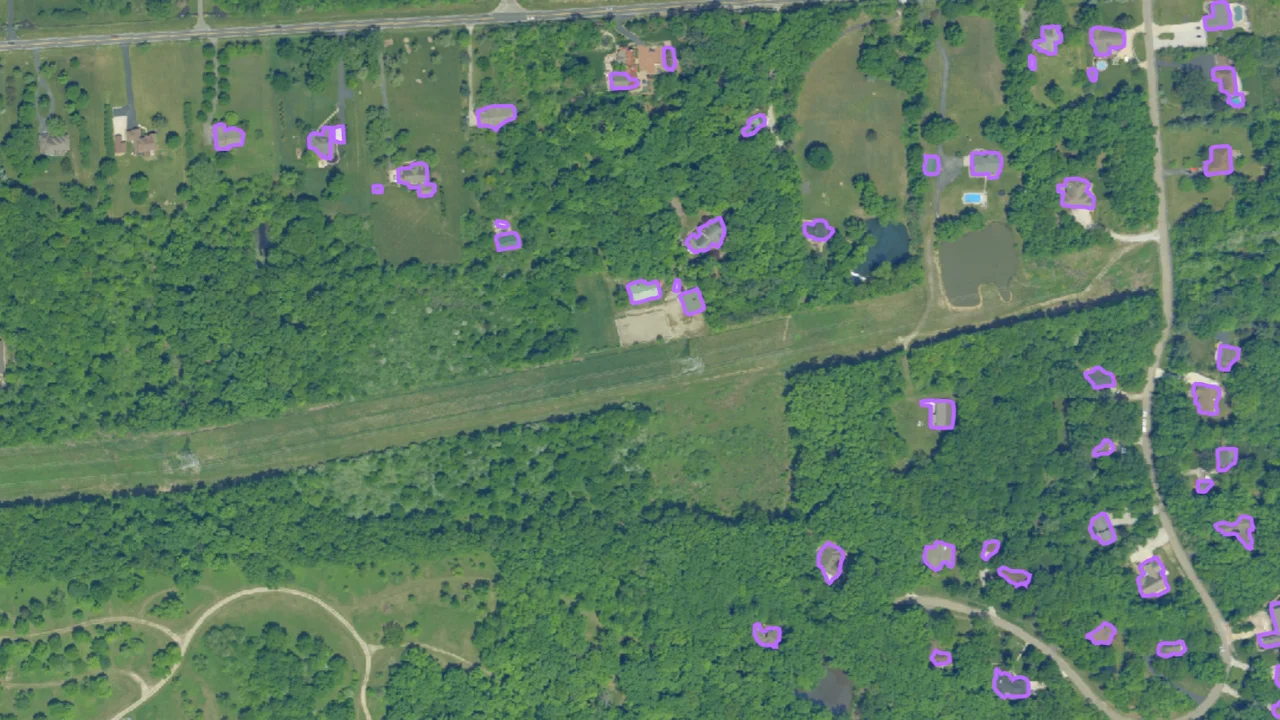
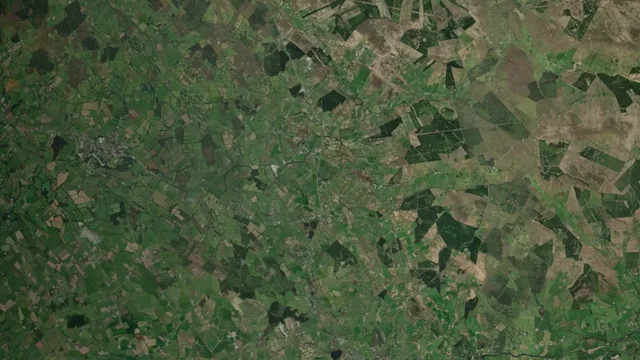
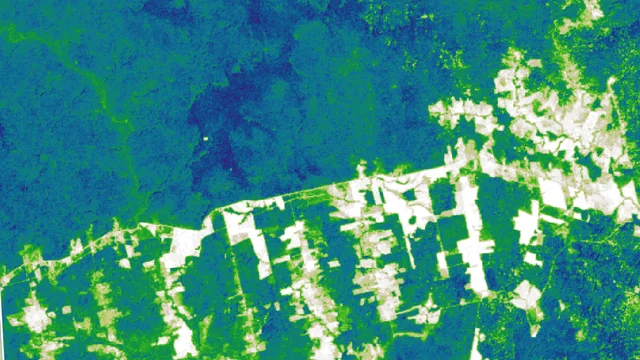
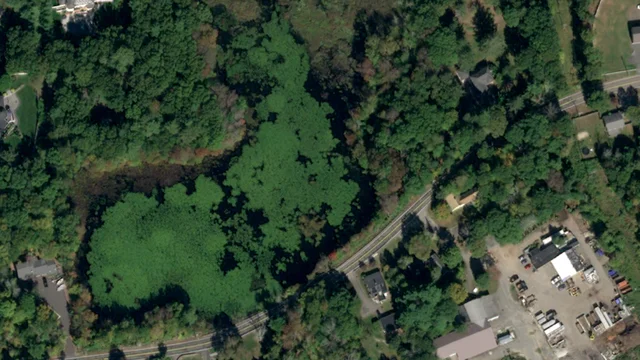
Now with Lens, you can export imagery as a Geospatial PDF and open it in common field mapping apps like Avenza. The same view you were working from in Lens becomes a location-aware map you can use on your phone or tablet.

How it works
If you’re already using Lens and a field mapping app, your workflow will look something like this:
- Open the map view in Lens: Start with the imagery on the map (note that some sources may have licensing restrictions).
- Export as a Georeferenced PDF: You can do this directly from the Details pane and will have the option to include overlays on your map as well as the underlying imagery.
- Open it in your field app: Apps like Avenza Maps, QField, or ArcGIS Field Maps will recognize the georeferencing automatically.
- Use it like any other basemap: Your location shows up on top of the imagery. From there, you can navigate, take notes, or collect data as usual.

This new feature helps you go from identifying something in Lens to standing on top of it in the field, using the same imagery as your reference. Less translation and less guesswork.
If you have questions on how to integrate Lens into your fieldwork, get in touch with our team.