We recommend proceeding with caution when deleting a property, because once that happens, all ordered imagery, notes, alerts, and analyses associated with that site will also be removed from Lens. There isn't a limit to how many properties you can have in your Lens account, so consider keeping the property or moving it to another portfolio instead of deleting it. If you need to update a property's boundaries, please use the update properties tool, or reach out to [email protected] for help.
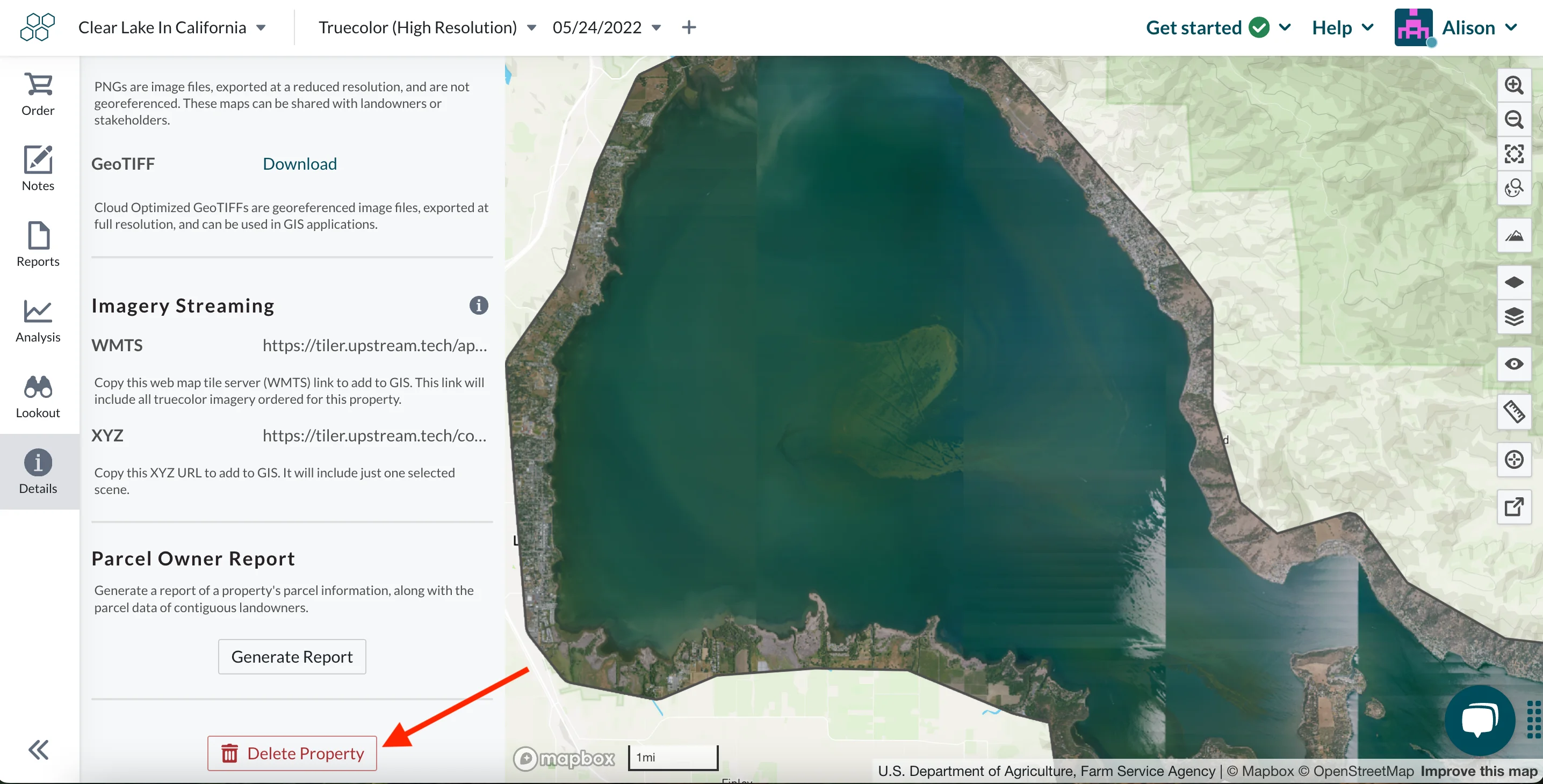
Before deleting a property, you can download any purchased imagery from the Details pane. Reports associated with the property can be downloaded from the Reports pane.
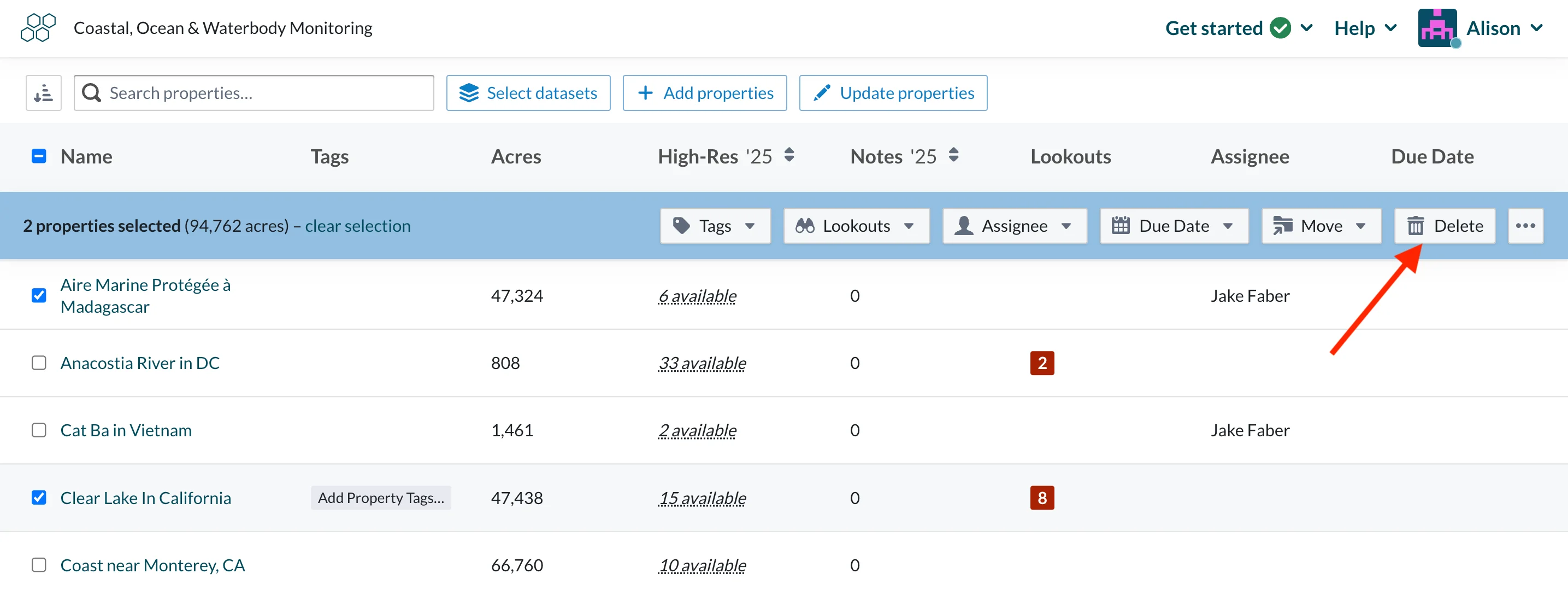
Admins can delete a property within a portfolio to remove it from your account. From the property overview page, select the relevant property then select "Delete". The property is then removed from the portfolio.
Admin users can also delete properties from the Details pane.